
SPDX-License-Identifier: AGPL-3.0-only
You can use it, modify it, and distribute it. Modifications that you share with users have to be released under the same licence.
Create professional lessons that bring interactive content, assessment, feedback, and presentation together.
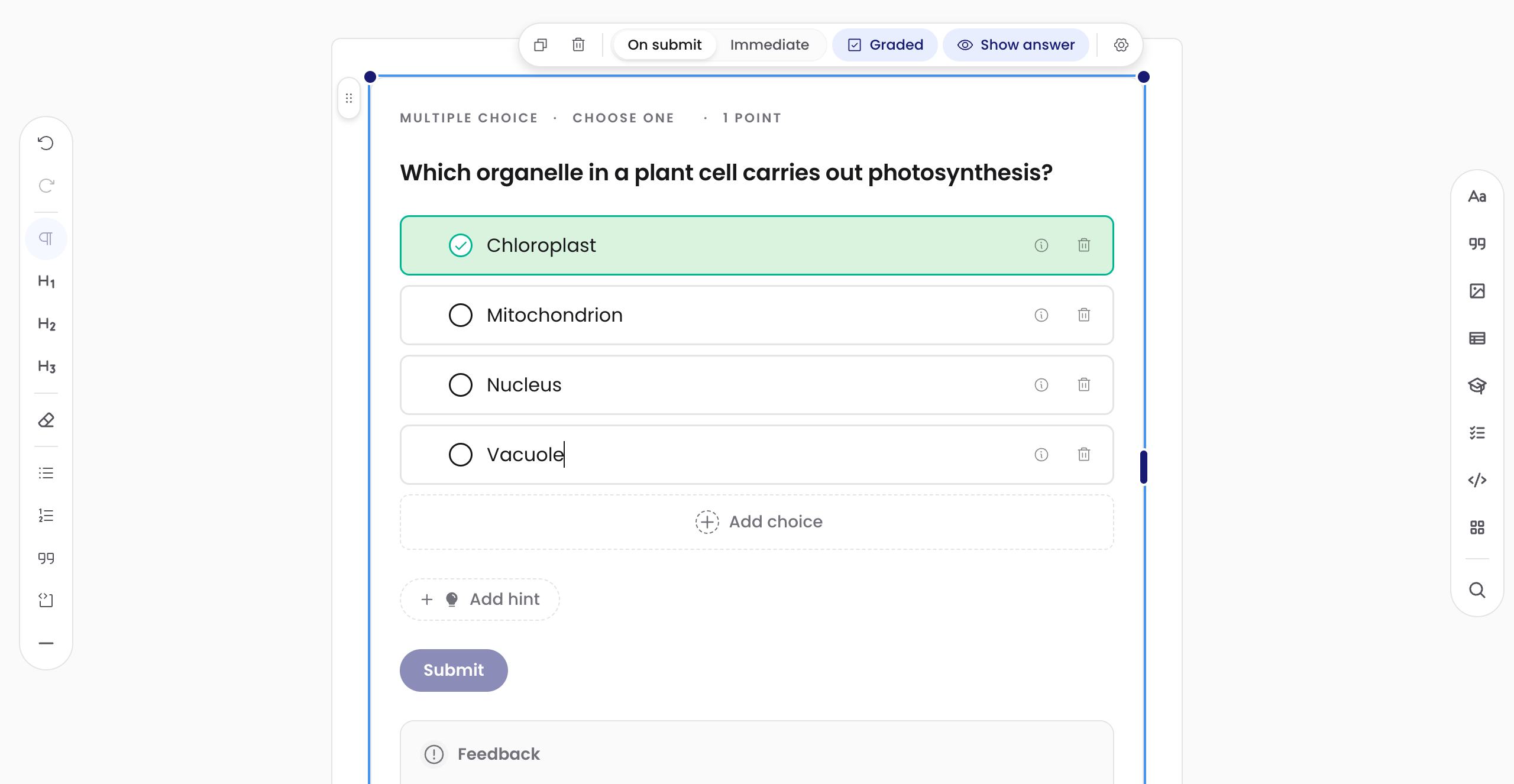
The lesson is the authoring interface. Write the explanation, place the assessment, mark the answer, and preview the feedback in one document.
Start with prose, media, or a worked example. The canvas behaves like a document, so the structure stays visible while you write.
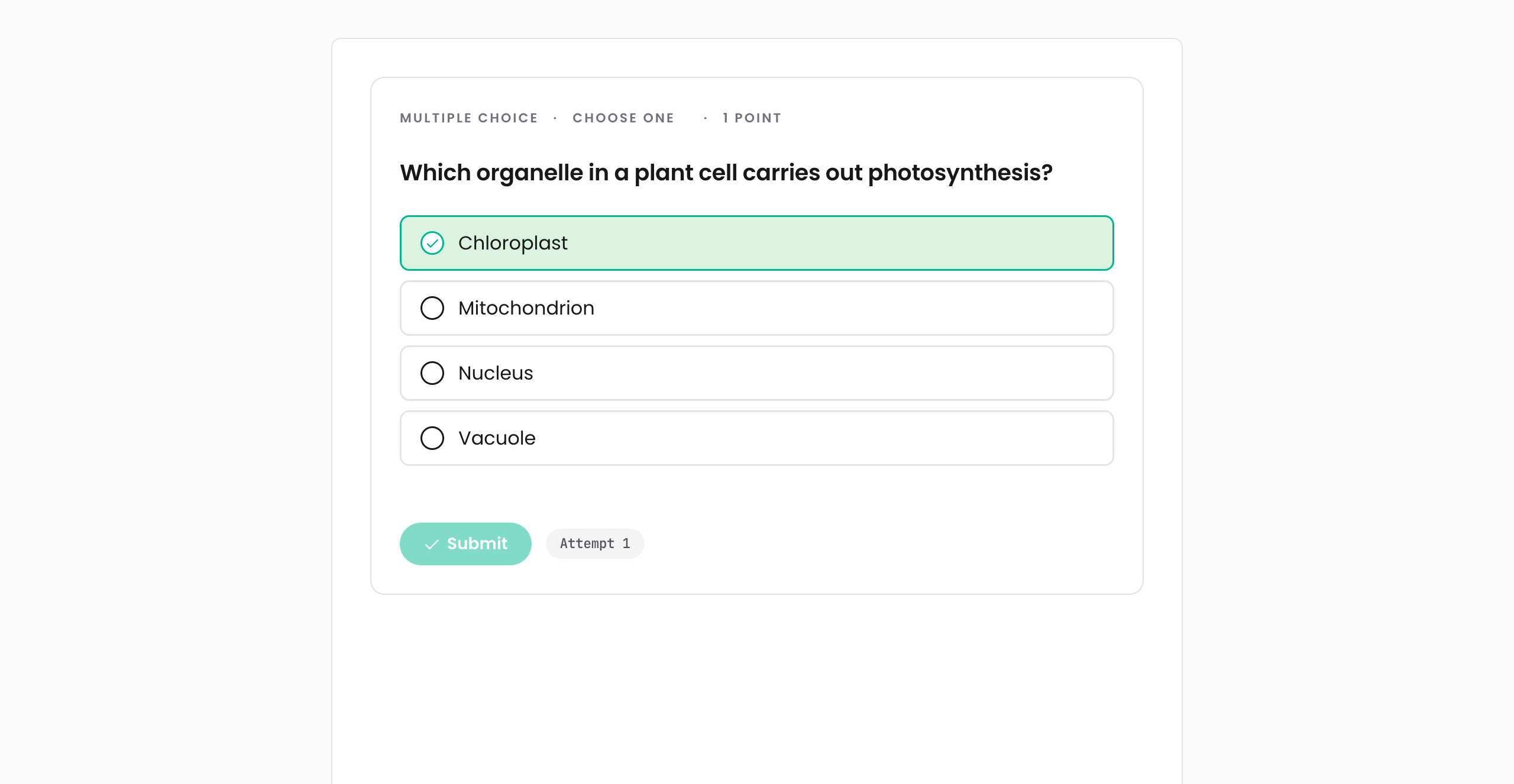
Insert a question between paragraphs. Click the answer to mark it correct, then type the prompt and feedback where they appear.
Draw a hotspot on the image itself. Label the region, set the result, and keep the visual context in view throughout.
Drag across the question to compare author controls with learner view. The document and answer key stay aligned; only the interface changes.
Compose a scrolling page or a multi-surface slideshow from the same block model. The content and grading rules stay with the document.
Prose, media, layout, assessment, hints, and feedback live in one Scaffold document. Authors do not have to split a lesson across a page builder, a quiz tool, and a presentation file.
Choose the experience that fits the lesson: a continuous page learners can explore at their own pace, or a slideshow for guided teaching. You author the content once; Scaffold handles both.
No subscription, no seat licence, no per-learner fee. The editor is AGPL-3.0 open source. Self-host it, fork it, audit it, modify it. Embed it in the LMS your institution already runs.
You can use it, modify it, and distribute it. Modifications that you share with users have to be released under the same licence.
Scaffold lives inside the LMS your institution already uses. Your IT team installs the connector once; your authors stay where they already are.
Embeds scaffold inside Studio as an xblock. Grades flow through the standard Open edX submission path. Tested against the Maple release.
Installs as a native Moodle activity. Authors work inside Moodle, and grades flow through the Moodle gradebook.
Via LTI 1.3 with deep-linking, assignment, and grade services. Any LMS that supports LTI 1.3 will work.
Coursework and submissions through the Classroom API. Authoring stays in scaffold; grades round-trip into Classroom.
A self-hosted runtime for assignments that live outside an LMS. Same authoring chrome; same grading.
Explore Scaffold, understand how it works, and bring it to your LMS.
Open the hosted editor. Drag a region, mark it correct, write the feedback. Try the real authoring interface.
Open the playgroundA quick start, the concepts, and the block reference. Written for the people writing the questions, not for engineers.
Open the docsScaffold installs into Open edX and Moodle today; LTI 1.3 reaches Canvas, D2L, and Blackboard next. Your IT team installs it once; you author inside the LMS you already use.
Choose an install guideScaffold is a Vite+ workspace containing the editor, grading library, playground, and LMS adapters. Clone the repository, start the playground, and trace each block from its schema to the learner view.
git clone https://github.com/brainjamworks/scaffold vp install && vp run dev:playground vp run @scaffold/adapter-xblock#build Tell us how you would use it and which LMS you run. We will answer questions about fit, current integrations, and what is coming next.
support@scaffold.ac